Deploy FlexxAgent for Android with Microsoft Intune
Before starting the deployment, Microsoft Intune must be connected to Android Enterprise.
To set up the integration, the official Microsoft procedure must be followed:
https://learn.microsoft.com/en-us/mem/intune/enrollment/connect-intune-android-enterprise
Likewise, Flexxible must enable the application in the client's Managed Google Play environment.
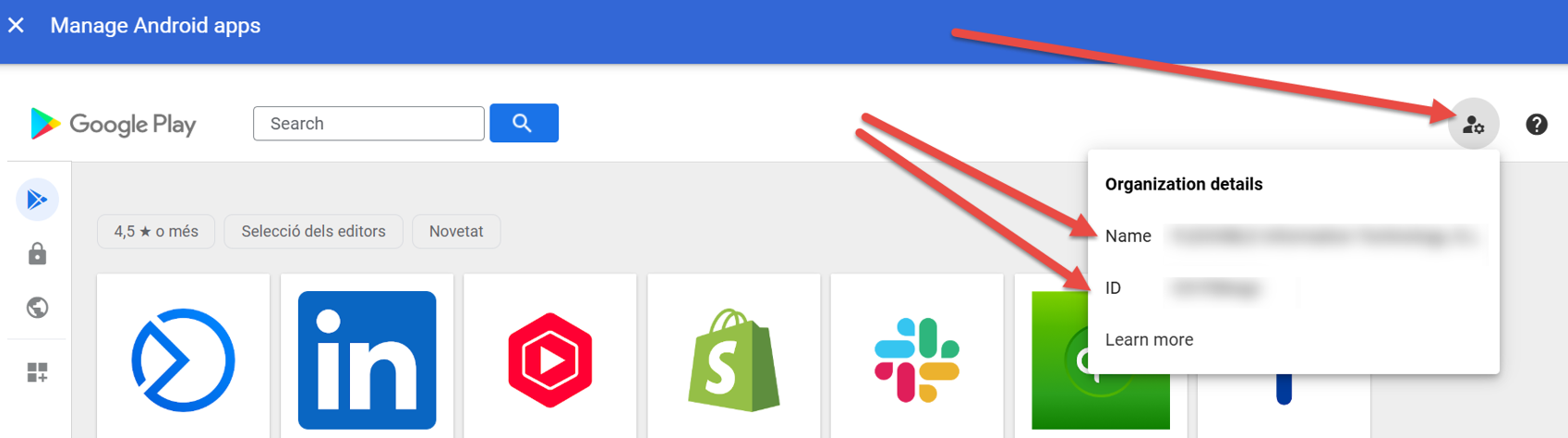
For this, it's necessary to provide Flexxible with the following data:
- Managed Google Play Name.
- Managed Google Play ID.
Sync the application in Microsoft Intune
Once the application is enabled in Managed Google Play:
-
Access the Microsoft Intune admin center.
-
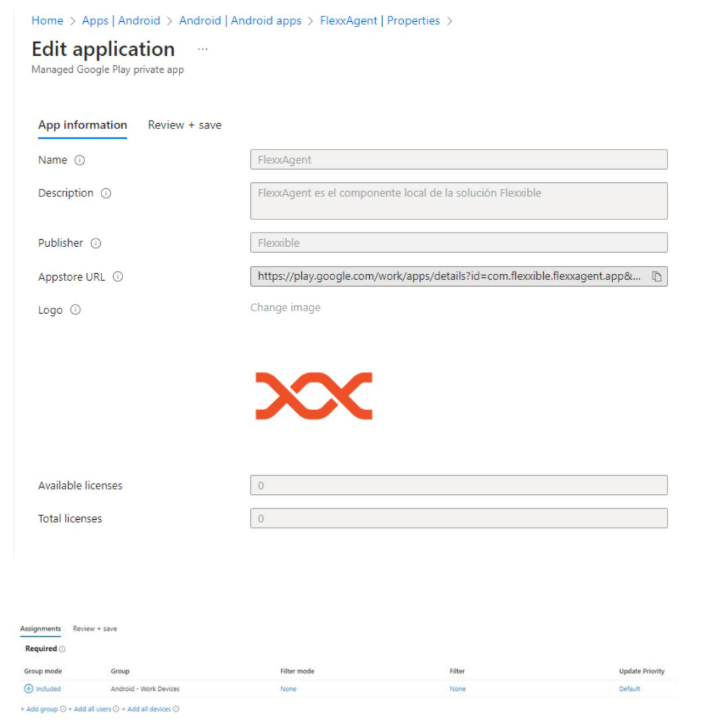
Select the app and sync it:
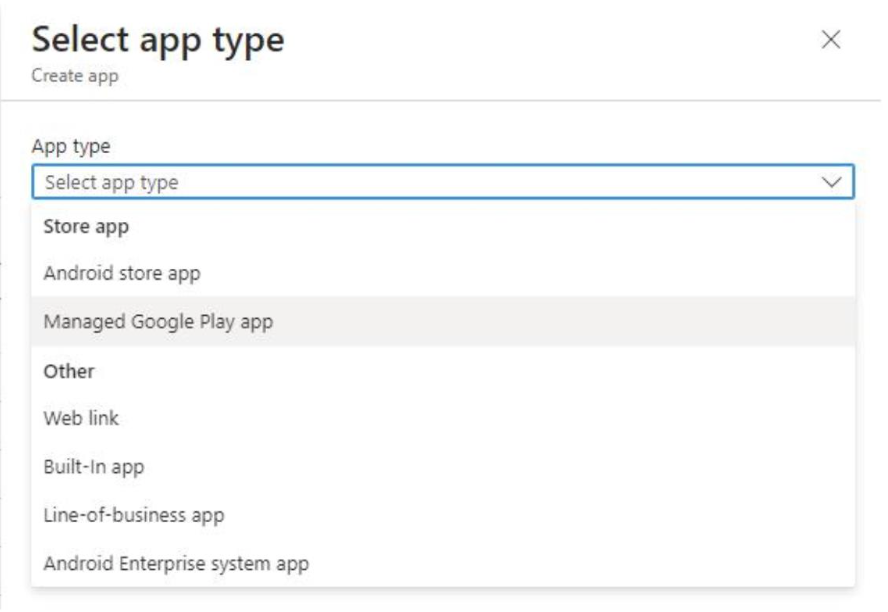
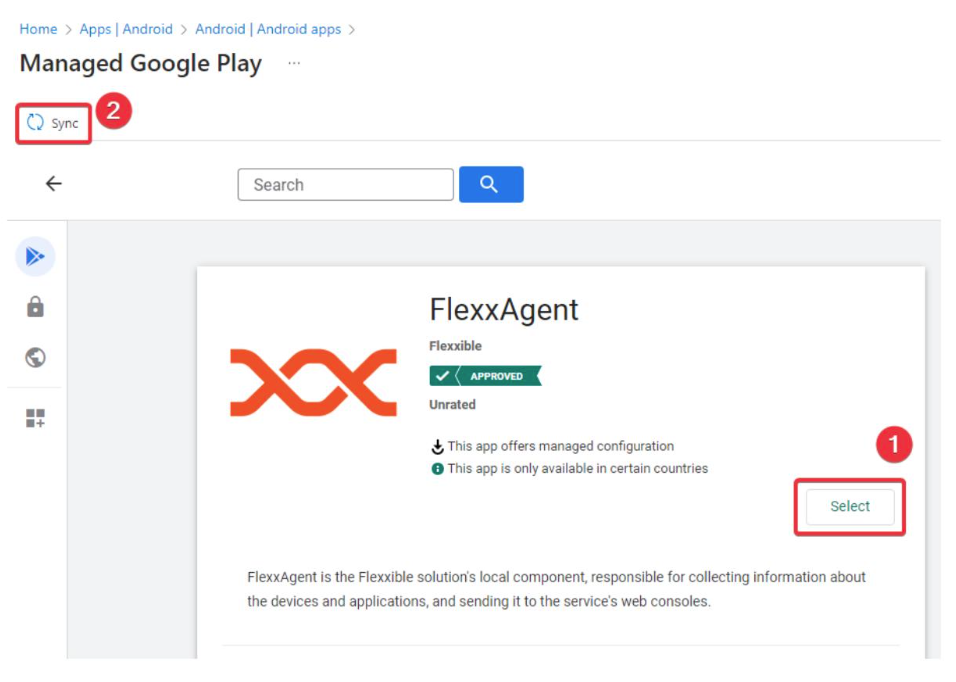
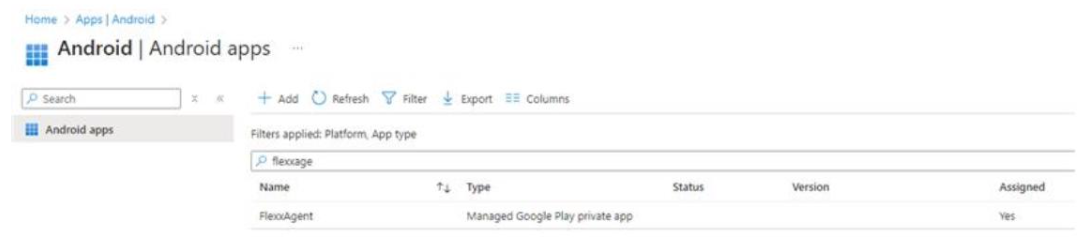
- After syncing, FlexxAgent will appear in the list of available applications.
Configure the application
Select FlexxAgent and complete the deployment settings according to the organization's needs.
Create the configuration policy
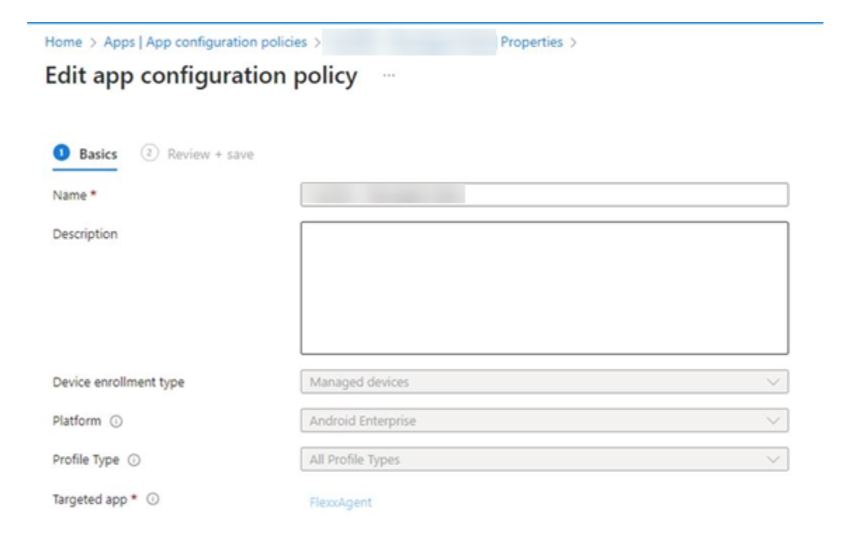
FlexxAgent requires a managed configuration policy to receive the necessary parameters for its operation.
The configuration values can be obtained in two ways:
-
Extracting them from the
.conffile generated when downloading FlexxAgent. -
Requesting them from a Flexxible contact during the implementation process.
Obtain parameters from the configuration file
-
Open the configuration file (
.conf) included in the download. -
Extract the following values:
-
Mandatory parameters
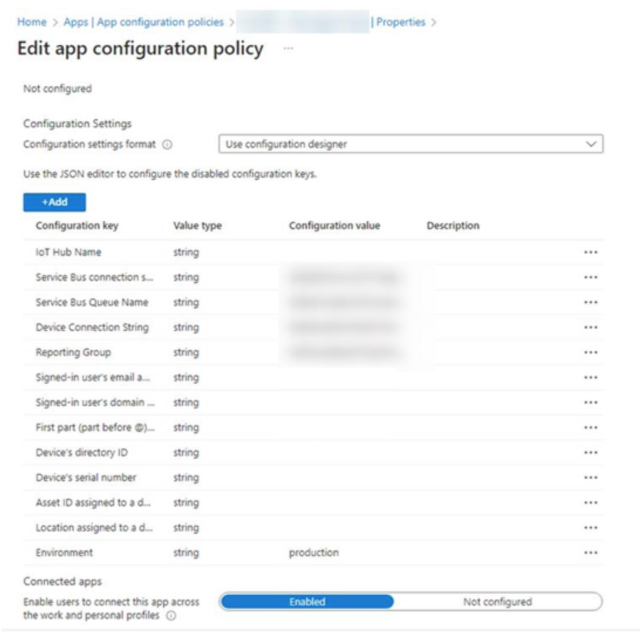
- IHName → iQN
- QScstr → sbCS1 + "|" + sbCS2
- QueueServiceName → sbN
- IHcstr → iCS1 + "|" + iCS2
- Rg → rg
- environment → production
-
Optional parameters
These parameters allow associating additional information of the device using attributes provided by the MDM solution.
- user_email →
"{{userprincipalname}}". In Google workspace, you can use"$LOGIN_EMAIL" - Email Name →
"{{userprincipalname}}". In Google workspace, you can use"$LOGIN_EMAIL" - user_email_domain → User domain
- device_id → Device Identifier
- device_serial → Device serial number
- device_asset → Inventory Identifier
- device_location → Device location
-
Configure policy in Intune
Enter the obtained parameters into the managed configuration policy of Microsoft Intune.
For more information about FlexxAgent for Android, please consult its documentation.