Web Apps Marketplace
Marketplace provides a catalog of public web applications that organizations can add to their list of Web Apps. Once added, these applications can be configured and personalized according to each organization's needs.
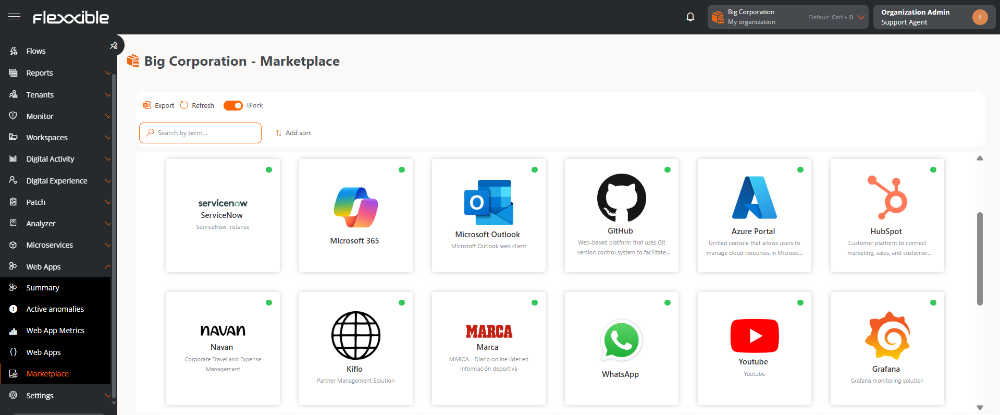
Web applications list
Applications can be viewed in list or block format. The status is indicated by a color dot:
- Green: Application enabled in the organization.
- Gray: Application disabled in the organization.
Verify if an application is already added
To check if an application is already part of the organization's list, the following options can be used:
- Select the application and access its detail view:
- If only general data is displayed, it means that the application has not yet been added to the organization.
- If configuration and metrics tabs are displayed, the application is already added
- Search the application directly in the organization's web applications list.
Sorting
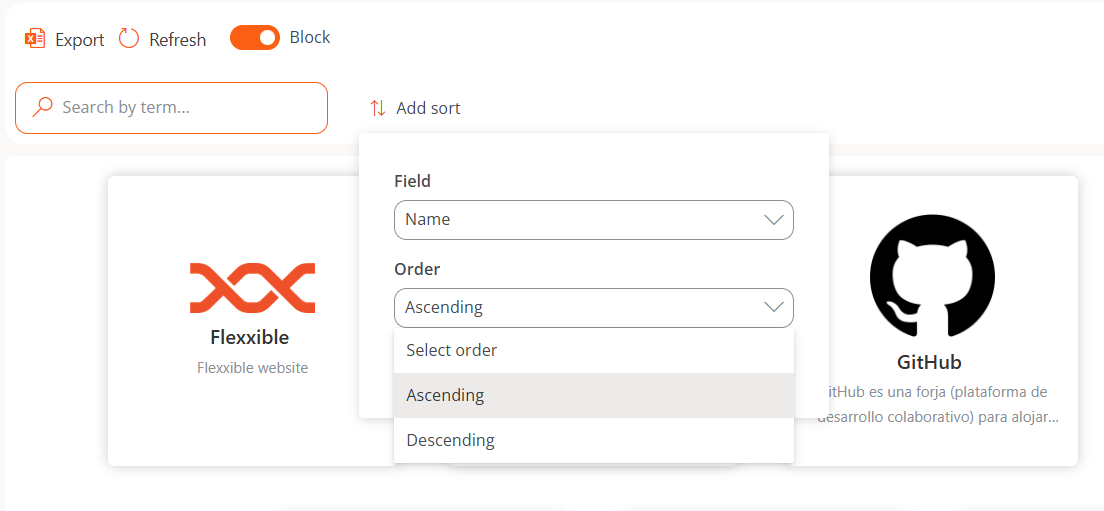
The order of elements can be modified using the Add sorting button, by selecting:
- Field
- Order
Detail view
If the web application has not yet been added to the organization's list, only its general data will be shown:
- Name
- Caption
- URL
- Logo
Once added, all the detail and configuration tabs described in Web application detail will be enabled.
Actions on added web applications
Marketplace also allows administrative actions on the web applications added to the organization.
You can consult more information at Actions on web applications.